 Saifullah Ahad
How I built it
 NUQT: Quran PronunciationLive on Google Play
NUQT: Quran pronunciation app, tap any word to hear it
Afraid of reading the Quran wrong? NUQT plays any word or sentence you tap in the reciter’s voice. Android app and a web version.
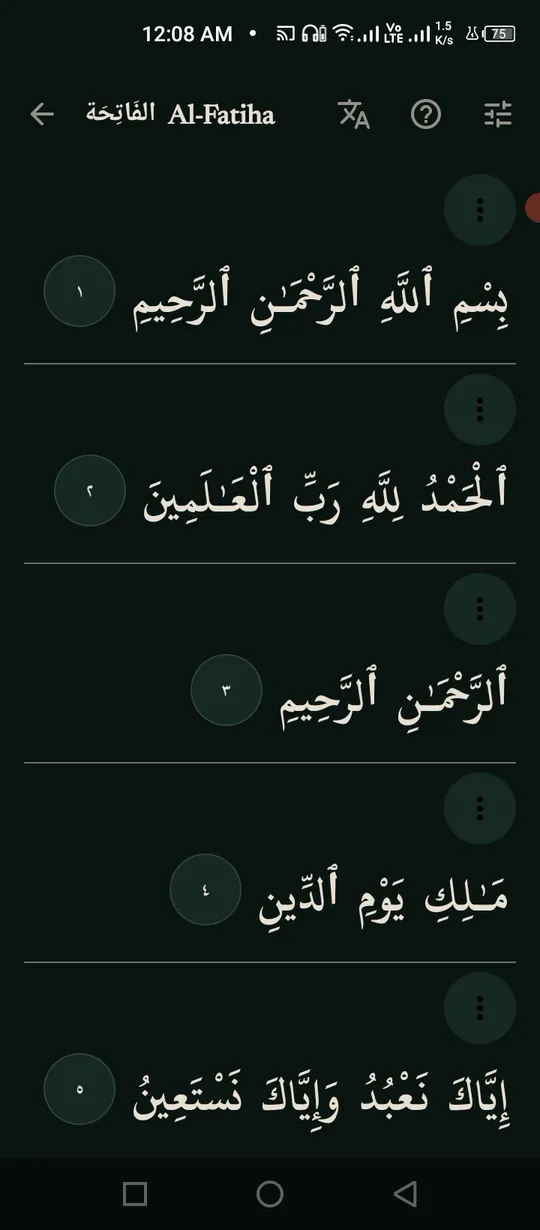
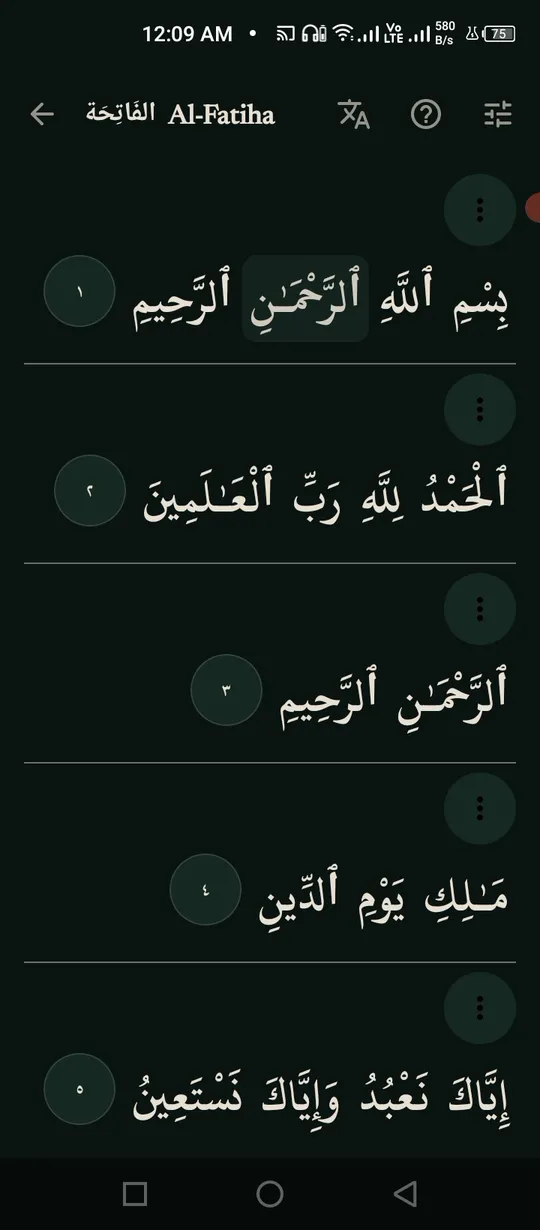
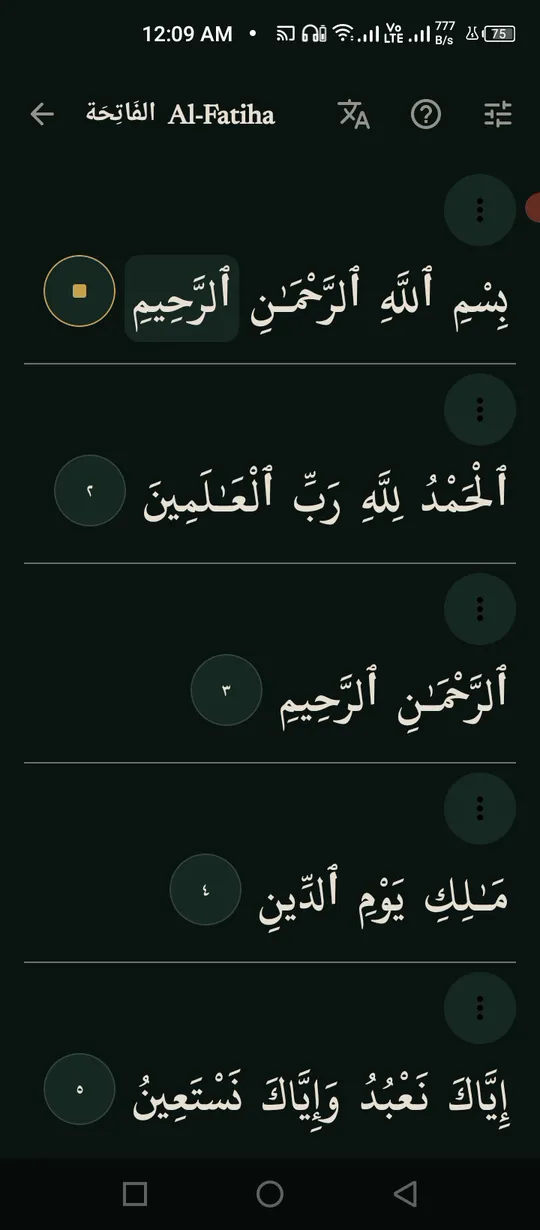
As a solo indie developer, I often think about how technology can bridge gaps in our personal journeys.
Many people struggle with Quranic Arabic pronunciation. Sadly, this often leads to hesitation, shyness, or the false belief that “not reading at all is safer than reading incorrectly.”
To remove this barrier, I built NUQT: Quran Pronunciation. It is a humble initiative designed for anyone who has the sincere intention to read but lacks confidence. Users can simply tap sentences or individual words to play instant audio guidance by Sheikh Khalil Al-Husary, allowing them to read along correctly.
Doing everything alone as an indie developer is challenging, and I welcome any feedback or collaboration on this journey. While an iOS app is delayed because I currently lack a Mac, I have deployed a web version to serve as a temporary workaround for iPhone users!
How to learn Quran pronunciation word by word
Learning Quran pronunciation requires hearing the correct sound of each word, understanding how sounds connect in full sentences, and repeating until comfortable.
1. Open the surah you want to read
Open any surah in the reader. The text is displayed in clear Uthmani script with adjustable sizing and optional translation layers.
2. Tap a single word
NUQT plays just that word in the reciter’s voice. Listen, then say it yourself.
3. Play the whole verse
Tap the round verse number. NUQT reads the whole verse and lights up each word as it is read, so you hear how the words join.
4. Go over the same verse until your reading sounds like the reciter’s
Repeat the word or sentence as many times as needed until your reading sounds like the reciter’s, then move on.
Honest limits: NUQT plays the reciter’s voice. It does not listen to your reading or mark it, so you compare by ear.
How the app helps: NUQT plays reference audio for any word or sentence you tap in Sheikh Khalil Al-Husary’s voice, with word audio for all 114 surahs.
More build stories: How to check a used phone before buying · How to check if your electricity meter is running fast · Eelj: a fair turn for a village’s one harvester · Practicing stuttering techniques at home · Where and when to look for the new crescent moon · How to split electricity bill with roommates · Milk fat SNF rate calculator, step by step · How to check a link before you click it · How to measure land area with phone GPS · How to calculate cattle weight without a scale · How to settle who owes who in a group · Braille translator that explains every cell · Math learning gaps: where to start when a child is stuck · How to describe a car noise so a mechanic can find it · Convert Rumi to Jawi, then check the spelling · How to sync SRT subtitles with video · Lipi: Bangla keyboard, side by side with Ridmik · How to check an overseas employment contract · Extract data from graph image on Android
Open to work
Let's build your AI product system.
Full-time roles — remote anywhere, hybrid in Bangladesh, or on-site abroad: AI Product Builder, AI Product Manager, AI Workflow Orchestrator, Product Delivery Lead. 250+ apps live on Google Play are the proof.
Based in Dhaka, Bangladesh (UTC+6) · works any time zone · can start now · ready to relocate with visa sponsorship.