 Saifullah Ahad
How I built it
 AxisMend: Graph DigitizerLive on Google Play
AxisMend: extract data from graph image on Android
Extract data from graph image on Android: set the axes, trace a curve, then check the recovered numbers against the picture. AxisMend turns a chart image or PDF page into editable data you can export. This is the workflow, with its limits made clear.
01
The chart is there. The table is missing.
A report may show a useful curve without the table that produced it. AxisMend starts with that problem: recover numbers from the picture so they can be inspected and reused. It was made for researchers working from papers and engineers working from datasheets.
The result is a reconstruction from the image. It is not the original dataset.
02
Give the picture a scale
The work starts with an image or a PDF page. Place four anchors on known axis ticks, two on each axis, and enter the printed values. Choose linear or base-10 logarithmic scaling for each axis.
The calibration code maps pixel positions to chart values. It rejects zero or negative logarithmic anchors and anchors that have identical positions or values. You still need to place the anchors correctly.
03
Follow a curve, then correct it
Pick a clear spot on a curve to sample its color. AxisMend traces matching pixels, using color tolerance and continuity to form a series. More than one series can be kept in a project.
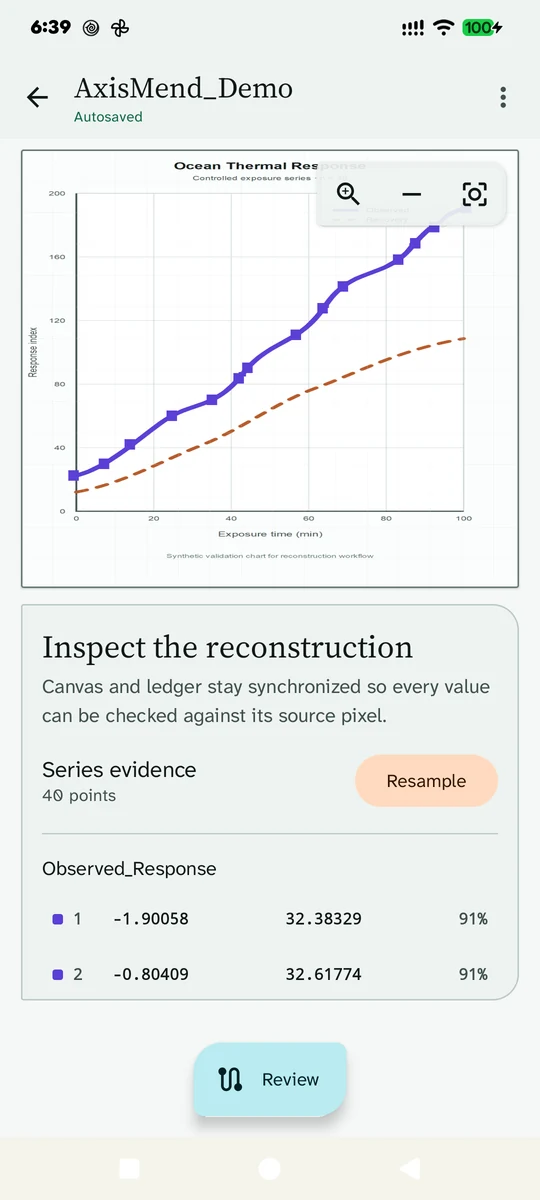
Review brings the chart and its coordinate ledger together. You can add a point on the chart or delete a selected point. Resampling calculates evenly spaced values from the existing series and replaces its points; it does not create new measurements.
04
A confidence number needs context
For automatically traced points, the uncertainty calculation uses calibration residuals and evidence such as line thickness, color mismatch and bridged gaps. The code also assigns fixed confidence values to manually added and resampled points.
Those percentages are not a measured success rate on real charts. Treat them as indicators to review, not a guarantee that the recovered number is correct.
05
What the saved evidence can show
The test code covers linear and logarithmic calibration, invalid anchors, colored curves drawn in code, short gaps and longer breaks. It also checks interpolation and export formatting. These are test cases in the source, not a claim that a saved test run passed.
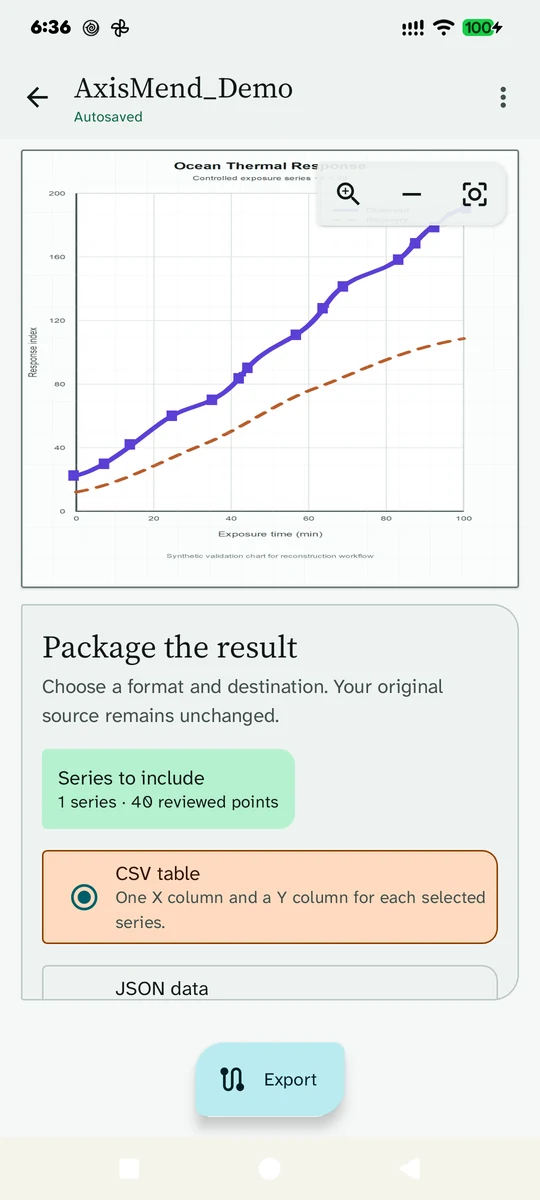
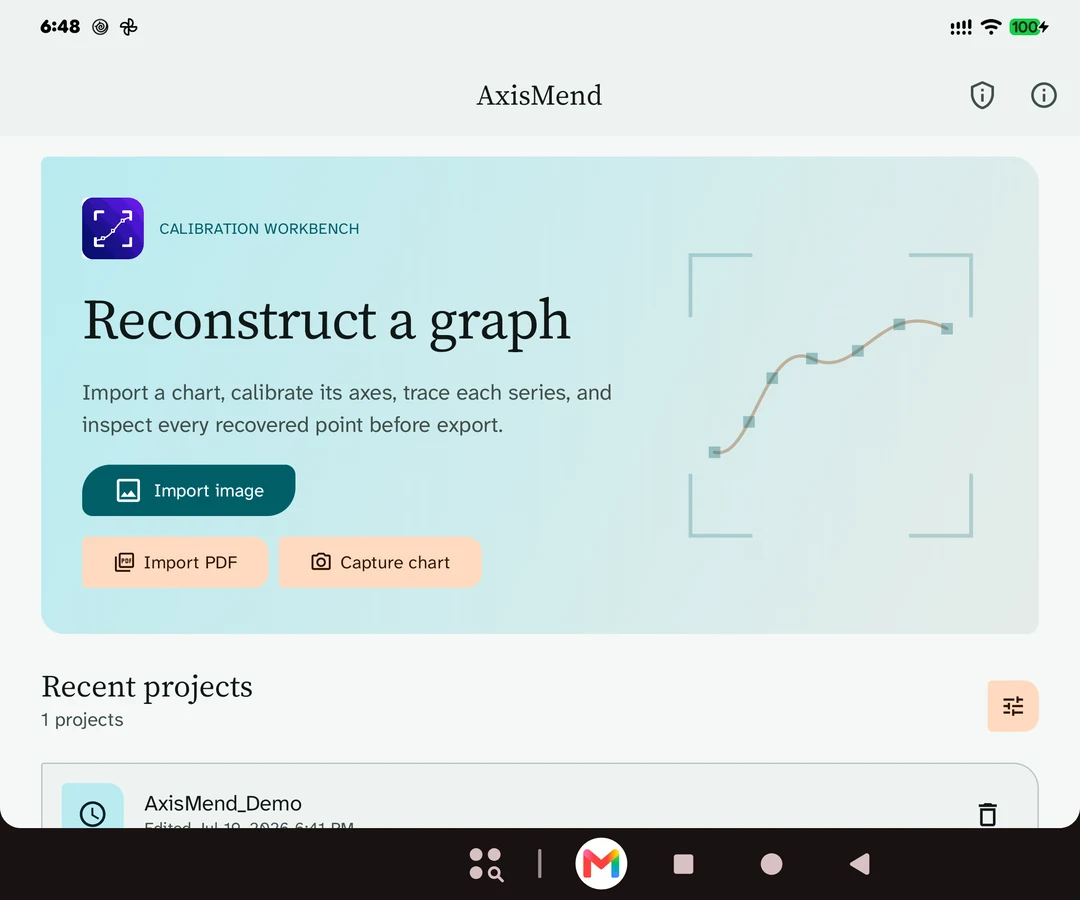
The pictures on this page show a synthetic demonstration chart and an existing library view. I found no saved benchmark against real published chart data, or documented paper-chart camera trial, in the inspected records. Real-chart accuracy remains unproven here.
06
Take the values into your next task
AxisMend exports CSV and JSON data, plus SVG and PDF output. The destination is your choice. The app is live on Google Play as AxisMend: Graph Digitizer.
The useful result is a set of values you can inspect against the source and carry into another tool. Automatic tracing is not promised to be infallible or benchmark-grade.
The design choice
Keep the source chart in view while reviewing its recovered numbers. Make correction part of the workflow, and state what the evidence cannot establish.
How to digitize a graph
To digitize a plot from an image, first map pixels to known values. This guide follows WebPlotDigitizer's own documentation for a graph with numeric X and Y axes.
- Load the chart. Open its image or PDF page in WebPlotDigitizer and choose the 2D XY plot calibration.
- Mark known ticks. The guide says,
Click on four points with known values to calibrate the axes
: two on each axis. Choose ticks far apart and zoom in to place them carefully. - Enter the values and scale. Copy the tick values and select linear or logarithmic scaling to match the graph. Save the calibration.
- Collect and inspect points. Click along the curve manually or use automatic extraction with the curve's color. Adjust or delete points that miss the curve.
- Export the table. Save the recovered values as CSV or copy them into another tool.
Looking to extract data from graph image online free? The linked documentation explains the browser workflow. AxisMend brings calibration, tracing, review and export to Android; it is not an online converter.
More build stories: How to check a used phone before buying · How to check if your electricity meter is running fast · Eelj: a fair turn for a village’s one harvester · Practicing stuttering techniques at home · Where and when to look for the new crescent moon · How to split electricity bill with roommates · Milk fat SNF rate calculator, step by step · How to check a link before you click it · How to calculate cattle weight without a scale · How to settle who owes who in a group · Braille translator that explains every cell · Math learning gaps: where to start when a child is stuck · How to describe a car noise so a mechanic can find it · Convert Rumi to Jawi, then check the spelling · How to sync SRT subtitles with video · How to measure land area with phone GPS · Quran pronunciation app, tap any word to hear it · Lipi: Bangla keyboard, side by side with Ridmik · How to check an overseas employment contract
Work with me
Have a problem an app could solve?
Tell me what people need to do, and where the current process fails. You can read more of my work or contact me directly.