Saifullah Ahad

All twenty-seven build stories

PayProof: Wage TrackerLive on Google Play

PayProof: employer not paying salary, what to do

Payday has passed, but the money is missing. These worker advice sources explain how to check your pay and raise the problem. You do not need an app to use this guide.

How to get unpaid wages: start with the details

This is not legal advice. Rules differ by country. The guidance below is from England and the United States; their legal procedures do not apply everywhere.

1

Check the pay period

For England, Citizens Advice's guide to missing pay recommends checking your payslip. If you are paid hourly, compare the dates and hours it covers with the hours you actually worked. Ask your employer for an explanation if you do not understand the calculation.

2

Explain what is missing

The same England guide says to speak to your employer or payroll team. Explain the problem and show any supporting timesheets, clocking records or work schedules. If you belong to a union, it suggests asking your representative for help. It also explains checking your employer's formal grievance procedure.

3

Gather details for help

In the United States, the Department of Labor's Wage and Hour Division lists information useful for a complaint: worker and employer contact details, the company's location, the manager's name, the work done, and how and when you were paid.

It says pay stubs and a personal record of hours worked are helpful. That is guidance about preparing information, not a promise that a particular document will prove a claim.

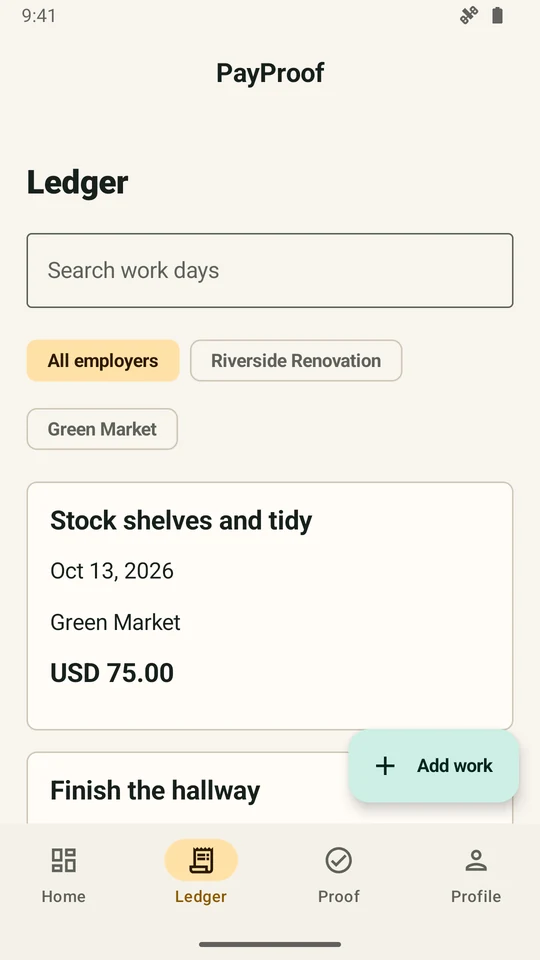
Work entered.
Pay entered.
Your own account.

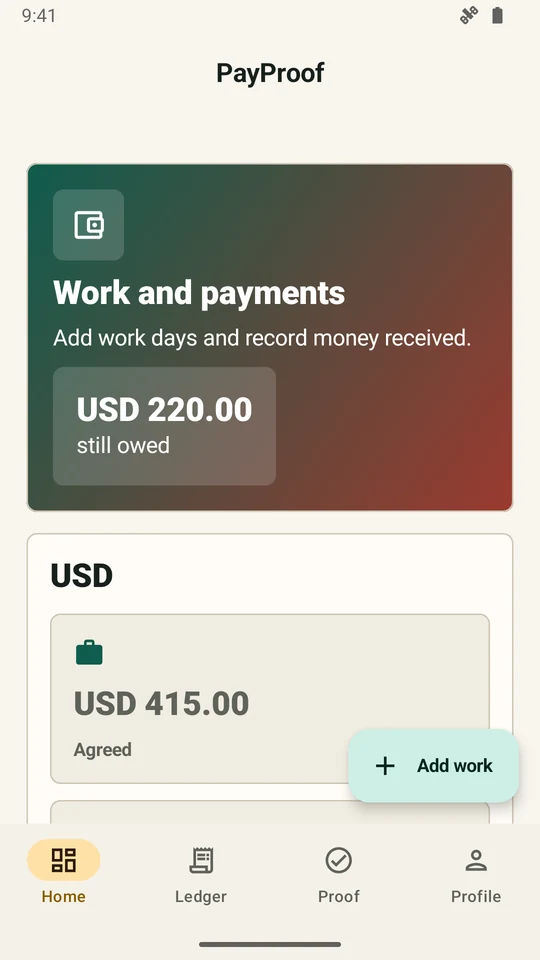
PayProof brings your entries together: the employer or work site, dates and hours, agreed pay, money received, advances and deductions. Its totals show what those entries say is still owed.

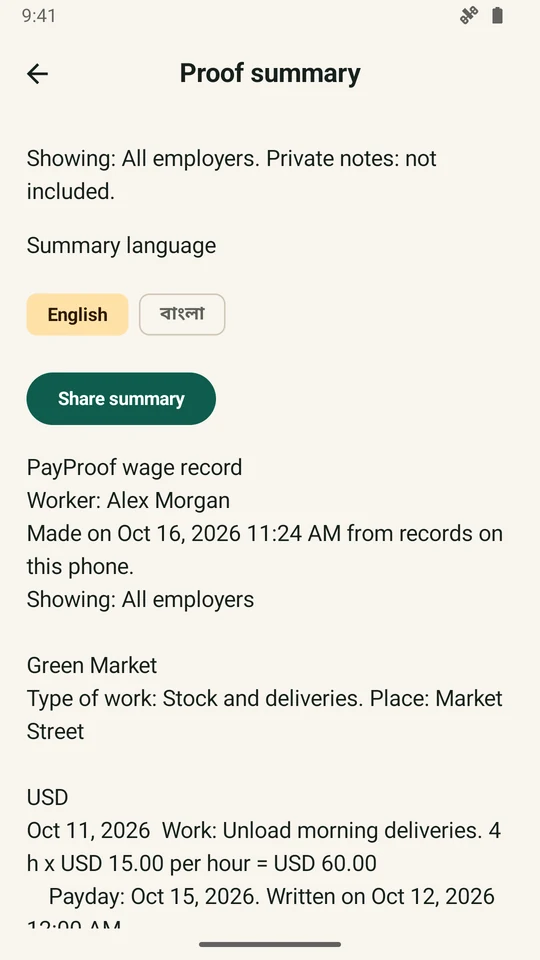
You can review a Proof summary before choosing Share summary. Private notes are left out unless you include them. The app does not verify an employer's agreement or calculate what the law entitles you to.

What is stored, and where

The documented local records include your entered name, phone and currency; employer or work-site details and rates; work dates, hours, pay, witnesses and notes; money entries and summaries. The current policy also covers correction history, saved copies and your language choice.

Records stay in the app's storage on your phone. PayProof does not send them to the developer. You can export a backup, share a summary or use a supported Android phone transfer. Exported backup files are not encrypted.

Optional feedback sends your message, optional email, app version, Android version and device maker/model through Web3Forms. It does not attach your work records. Read PayProof's privacy policy.

What this story does not establish

I reviewed the app's records, code and existing store pictures. I did not run the app or check a worker's real wage dispute for this story.

The records reviewed do not establish that PayProof recovered anyone's wages or that a labor office or court accepted a summary. It is the worker's own account. It does not certify evidence or guarantee payment.

View PayProof on Google Play

Have a problem an app could help with?

Tell me who needs help and what they need to do.