 Saifullah Ahad
 IslahLive on Google Play
Mechanic job sheet template: what a job sheet should hold
A mechanic job sheet template is only as useful as the lines printed on it, and two state government sources say what a repair record should carry: the job, the price, and the customer’s approval before work starts. Below is what they say, then what the Islah Android app puts on its job card and what it does not.
Example, made up for this page
Islah Repair Receipt
- Ticket
- ISL-00007
- Customer
- Amin
- Item
- Phone
- Problem
- Broken screen
- Status
- Received
- Estimate
- 2,500
- Advance paid
- 700
- Due amount
- 1,800
These are some of the lines the app’s receipt text prints. The names and numbers here are an example, not a real job.
What the sources say a repair job record needs
Both sources are about car repair shops, and both are state rules, not rules everywhere. California’s Bureau of Automotive Repair says its page is “for quick-reference purposes only and is not all-inclusive.” Check the rules where you work. The right column says what Islah has for each part, as its code does it.
The job and its price
California: “An estimate must contain a description of the specific job and the estimated price for all parts and labor.”
Fields for Item or device, Problem and Estimate. One Estimate number: no separate parts and labor lines.
The customer says yes
California: “All repairs must be authorized by the customer in written, oral, or electronic form. The authorization must be obtained and recorded on the estimate before beginning any repairs.” Written authorization “consists of the customer’s signature and the date the customer authorized the repairs.”
Texas: “The authorization to commence repairs should also include the date and time that you signed the form.”
No signature, no approval date and no approval field. Technician note is an open text box, so anything of this kind would be typed there by you.
Looking inside before an estimate
Texas: “You should get a written authorization to tow, inspect, test drive, diagnose, or disassemble any part of your car for the purposes of providing an estimate of repair costs, prior to the action being taken.” It “should describe the actions to be taken, the charges, and whether any parts will be removed or the vehicle disassembled.”
Nothing for this. The form starts at the job card.
The work order itself
California: “A work order must contain the authorized estimate for a specific job, the repairs requested and authorized by the customer, and the vehicle’s odometer reading.”
Texas: “make sure the initial work order clearly specifies the work to be done, fees, completion date, terms of payment, and more.”
A job card holds the customer, phone, item, problem, status, estimate, advance, promised date and technician note. Promised date is typed text. There is no odometer field and no field for terms of payment.
Extra work
California: “Before beginning any additional repairs beyond the original estimate, or having any additional charges accrue,” prepare “a revised work order that describes all additional parts and labor, provides the cost of all additional parts and labor, and includes the total revised cost,” then get the customer’s authorization.
Texas lists, among problems to watch for, a shop that “fails to notify you and secure your additional approval, in writing, for any additional work to be done that was not set forth in the original written agreement.”
Editing a job replaces its estimate. The app keeps no list of earlier estimates and has no place to record who approved a change.
A copy for the customer
California: “The customer must be provided a copy of any document requiring their signature at the time of signing.”
The receipt text can be copied or shared from the Receipts screen. It is plain text.
The final bill
California: “An invoice is a paper or electronic document provided to the customer upon completion of all repairs that contains the final price for parts and labor for a specific job.”
No invoice. The receipt text shows Estimate, Advance paid and Due amount as recorded on the job card.
This is a summary of two pages, not legal advice, and I do not say what your own state or country requires. Where a rule matters to you, ask your local consumer or licensing office or a professional.
Mechanic job card template: what Islah’s form asks for
Islah: Repair Job Cards is an Android app for keeping job cards, customers and receipt text on one device. Its store text names phone, electronics, bike, tailoring and appliance repair, so the field is called Item or device, not vehicle. If you are looking for a repair job card template on a phone instead of paper, this is the form.
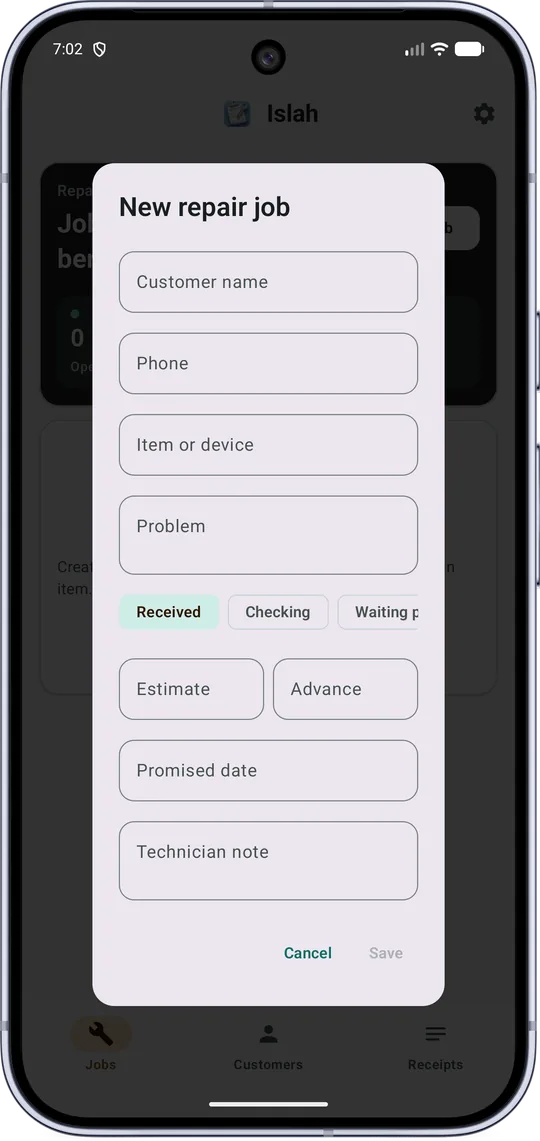
The New repair job form, empty. Save is greyed until it is filled in.
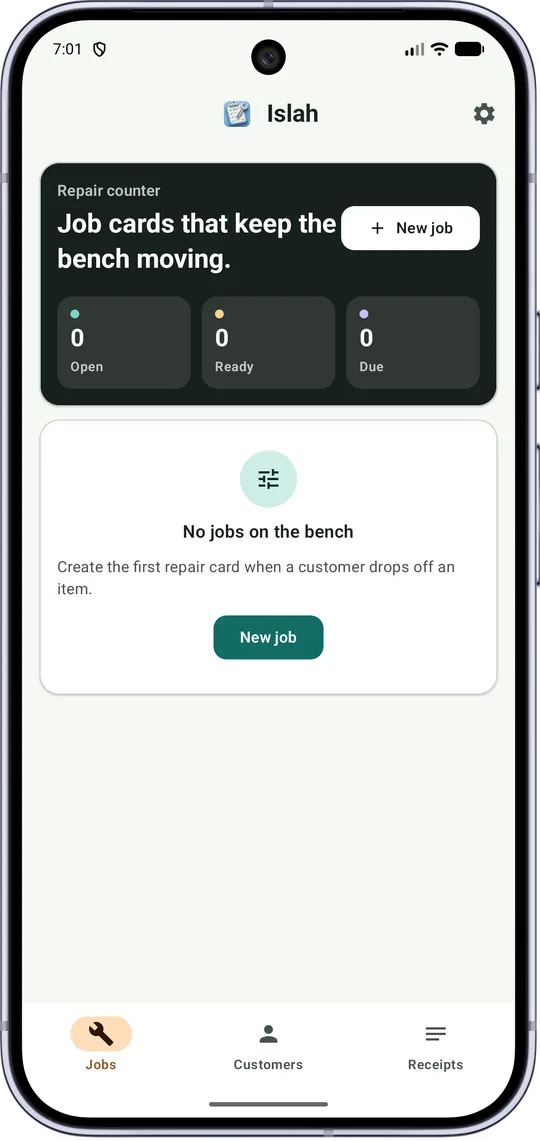
The Jobs screen before the first job: Open, Ready and Due at zero.
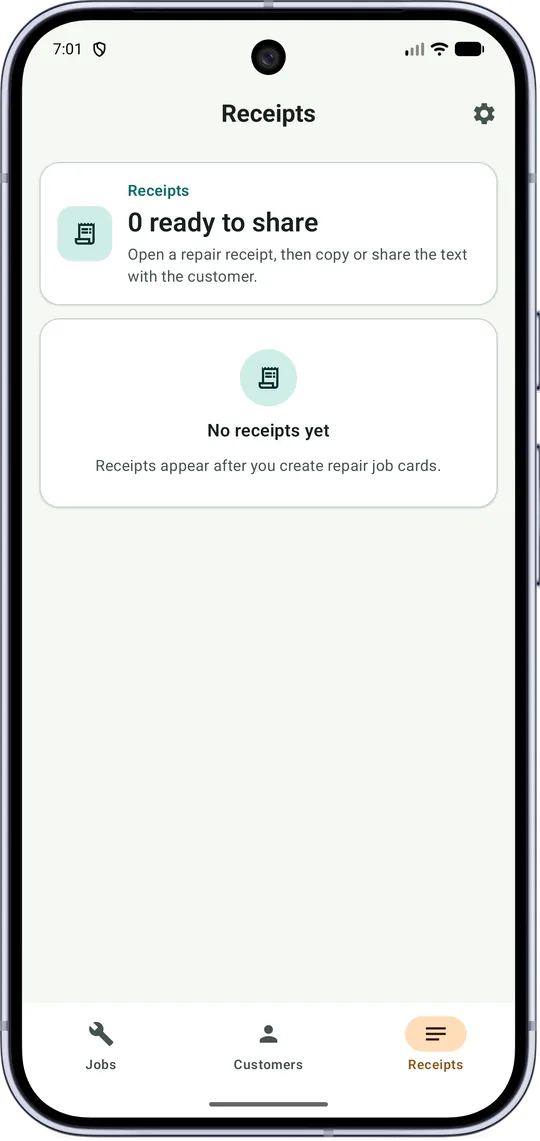
The Receipts screen, also empty. The pictures show an app with no data, so the receipt lines on this page come from the code.
How a job moves through it
Each job card has one status. In the form the choices are these, in this order:
- Received
- Checking
- Waiting parts
- Repairing
- Ready
- Delivered
- Cancelled
What the Jobs screen counts
Open counts every job whose status is not Delivered or Cancelled. Ready counts jobs marked Ready. Due adds up the due amount of every job card, whatever its status. A row of buttons filters the list by All or by any one status, and the search box takes a ticket number, customer, phone or item. The code also searches the problem text.
What the numbers are
Estimate and Advance take digits and one decimal point. Due is the estimate minus the advance and never goes below zero. The app only records and adds these numbers. It does not take or send any money, and the receipt prints plain numbers with no currency sign.
The ticket number
Each job gets a ticket such as ISL-00042: the letters, then the job’s number padded to five digits. The app’s own unit test checks that padding and checks that a job with estimate 2500 and advance 700 produces the receipt line “Due amount: 1,800”. I did not run that test.
The receipt text
Open a row on Receipts and the app builds one block of text: Islah Repair Receipt, Ticket, Date, Customer, Phone, Item, Problem, Status, Promised date, Estimate, Advance paid, Due amount and Note. A blank phone, promised date or note prints as “Not added”, “Not set” and “No extra note.” The Date line is the date and time the text is made, not a date saved on the job. Copy puts it on the clipboard, Share opens Android’s share list.
Where it stops, what it keeps, what I did not check
Where it stops
- It is not a car-only tool and has no odometer, vehicle or parts and labor fields.
- No signature, no record of when or how a customer approved, no invoice, no printing and no PDF. The receipt is text.
- It does not say that a job card meets the rules in California, Texas or anywhere else. The sources above are a guide to what a record can hold, not a test the app passes.
- In the code I read, the Delete job button removes the card at once. I saw no step that asks first.
- The store text says the app does not process payments, manage warranties, or replace legal or accounting advice.
What it keeps, and where
Job cards, customer names, phone numbers, addresses and notes, the amounts and the receipt text are stored on the phone. The privacy policy says: “These local records are not uploaded by the core app features.” Data can leave the app only when you export a backup, share receipt text, or send feedback.
Settings has Export and Import for one backup file. Import replaces what is in the app: the code clears the current job cards and customers, then loads the file. Reset app data asks “Reset all data?” first. An optional app lock uses a 4 to 8 digit PIN made only for Islah, or fingerprint or face. The app says your device PIN or pattern will not unlock it.
The app declares internet access, which its Send feedback form in About Developer uses. A feedback message goes to a form service with the app and Android version and the phone’s make and model, plus your email if you add one.
What I did not check
I read the store listing, the manifest, the code for the screens, the receipt and the backup, the one unit test file and the privacy policy, and I opened the store pictures. I did not run the app myself and I did not run its tests. I found no record of a test result and no record of a test on any particular phone, so I cannot say how it behaves with many jobs, or how fast it is. I did not check anything about the rules of any place.
California Bureau of Automotive Repair
“Write It Right: Documentation and authorization requirements for automotive repair dealers”, a state agency page marked “Updated January 2026”. Read in full. It is about California law for automotive repair dealers.
Office of the Attorney General of Texas
“Car Repair Tips”, the Choosing a Car Repair Shop page. Read in full. The page prints no date. I use only its lines on written authorizations and the work order.
Setting up a repair job sheet?
Start with the parts in the table: the job, the price, the approval, the extra work. Then decide where each one is written down.